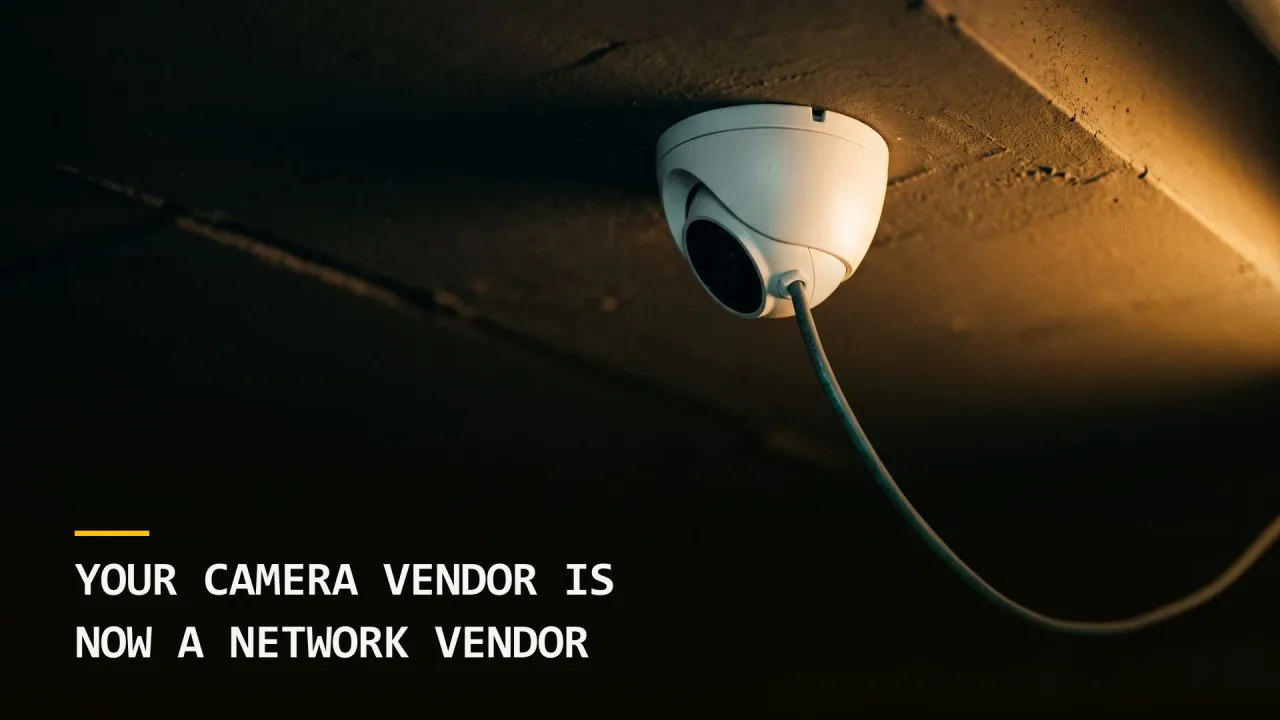
- › Camera, badge, and alarm systems are now IP devices with cloud portals and vendor remote access, procured by facilities and rarely reviewed by security.
- › The integrator usually holds standing remote access to the recorder or controller, and almost nobody knows the terms of it.
- › More than 14,500 Dahua cameras were compromised in a 35-day campaign this month, largely through credentials nobody had changed.
- › Put your physical security vendors through the same review as any software supplier, because that is what they now are.
- › Start with one question your integrator can answer in an email: who at your company can reach our system today, and how.
Walk your building and count the devices that were bought by facilities.
Cameras. Badge readers and the controller behind them. The alarm panel. The intercom at the loading dock. The elevator control system. The visitor kiosk in the lobby. In most buildings that is somewhere between fifty and several hundred devices, and every one of them was specified, purchased, and installed by a team that reports nowhere near your information security function.
Fifteen years ago that separation was fine. A camera wrote to a tape, a badge reader talked to a panel on a dedicated cable, and neither one had an address anybody could reach. Today every one of those devices has an IP address, most of them phone home to a manufacturer’s cloud, and the integrator who installed them almost certainly kept a way back in.
That last part is the one worth your attention.
What Changed Under the Same Product Names
The purchase order still says the same thing it said a decade ago. Cameras, access control, monitoring. The product behind those words is a different category now.
A modern video management system is a server, usually Windows, sitting on your network with a database, a web interface, and a support tunnel. A modern access control system is the same thing plus a credential database describing every person who can enter your building and when. Both of them are typically administered remotely by the integrator, because that is how the service contract works and it beats sending somebody out.
So the honest description of what you bought is a network-attached application with a third party holding privileged access to it, deployed inside your perimeter, holding data about your staff’s movements.
Nobody wrote it down that way. The requisition said cameras.
The remote access nobody scoped
Ask your integrator how their technicians reach your recorder when you call for support. You will usually get one of four answers, and the differences matter enormously.
A named account on your virtual private network, requested per visit, is the good answer. A permanent account on the system with a shared password is the common one. A vendor-operated remote access tool installed on the recorder is the one that shows up in incident reports. A cloud connection outbound from the device to the manufacturer, with support access on the far side, is the one nobody thinks to ask about because it does not look like remote access at all.
Three of those four mean a third party can reach a machine inside your building today, and in most organizations no one can name who at that company has the credential or when it was last rotated.
The Cost, in the Terms That Get Budget
Physical security spending gets approved when somebody can name the loss. This gap costs three things.
A camera is a foothold
More than 14,500 Dahua devices were compromised over a 35-day campaign disclosed this month, through credential attacks, authentication bypasses, and peer-to-peer access (BleepingComputer). Most of those owners never logged into the device after installation.
A compromised camera is rarely the objective. It is a Linux computer on your network with a permanent power supply that nobody monitors, which makes it excellent for the thing that comes next. When we run assessments, camera and recorder networks are frequently flat with the corporate network, meaning a device in the parking garage can reach the file server.
The footage itself is the liability
Video of your staff, your visitors, and your customers is personal data under most modern privacy regimes. If your recorder is breached, you are the one notifying, regardless of who installed it or who administers it.
For a healthcare practice, footage of the waiting room carries the same problem we wrote about in visitor policies and face recognition: the identity of the person waiting is itself the sensitive fact.
The credential database is a building key
An access control system holds who can enter, which doors, at what hours. Somebody with administrative access to it can grant themselves a credential, or read the pattern of when your building is empty. That is a physical security outcome produced entirely through a network path, and it is the clearest example of why these two disciplines cannot be run in separate silos, which is the case our converged security operations center work makes at the program level.
Put Them Through the Same Review
The fix is a procurement and governance change rather than a technical one, and the resistance you will meet is organizational rather than financial.
1. Add physical security vendors to the vendor risk register
Whatever process your organization uses to review a software supplier, run your camera, badge, alarm, and intercom vendors through it. Same questionnaire, same security review, same contract language.
Most organizations exempt them without ever deciding to. The register was built by an information technology function that never considered the loading dock intercom to be software, and facilities never knew a register existed.
2. Write the remote access terms into the contract
Name the access method, name who is authorized to use it, require notification when their staff changes, and require that credentials rotate on a schedule you set. Then get the current state in writing at your next renewal.
3. Segment the physical security network
Cameras and controllers belong on their own segment with tightly controlled routes to anything else. This is the single highest-return technical control here and it is usually a configuration change rather than a purchase.
If the argument against it is that the integrator needs broad access to support the system, that argument is the finding.
4. Change the credentials you inherited
Every device installed by an integrator arrives with either a default credential or one the integrator chose. Both are shared across their customer base more often than anyone admits.
Change them, store them where your organization stores credentials, and tell the vendor what the new process is.
5. Decide who owns these assets
The organizational answer matters more than any control above. Somebody has to own the camera network in the way an application owner owns an application, meaning they are accountable for its patching, its access, and its incidents.
In most companies that role is unassigned, and unassigned means the answer to every question about it is that somebody else probably handles it.
Where to Start Tomorrow
Send your integrator one email with one question: who at your company can reach our system today, and by what method?
The answer tells you most of what you need. A specific, confident, documented reply means you are dealing with a mature vendor. A vague one, or a long delay, or a discovery that the technician who left last year still has an account, is your finding and it cost you an email to get.
Then walk the building and count the devices again, knowing what each one is.
Want your physical security vendors assessed the way your software vendors are? Contact Grab The Axe for a converged vendor and facility assessment, or start with our free Human Attack Surface Score.

A leader defined by a 'bias for action,' Dusten specializes in physical security assessments that impact profitability. He leverages high-logic strategies to pinpoint high-ROI vulnerabilities, ensuring defense measures actually scale with the business.
View Author Page →