- › Almost all ransomware guidance stops at having good backups, and the backup is the easy half.
- › Recovery time is set by restore order and dependencies, not by whether the data survived.
- › Restoring 40 TB over a 1 Gbps link takes roughly 89 hours of pure transfer before anybody logs in.
- › Identity has to come back first and it is the one system nobody has practiced rebuilding.
- › Write the dependency order down now, because you will not derive it correctly at 3am on day two.
Picture the third morning. The ransom note is old news by now, the forensics firm has what it needs, and somebody on your team says the sentence everybody has been waiting for: the backups are clean and they are restoring. The room relaxes for about six hours. Then it becomes clear that the application servers are up and nobody can log into them, because the directory they authenticate against is still in a queue behind four file servers that somebody sequenced first.
That is where the week goes. The two days spent deriving an order nobody had ever written down cost you more than the encryption did, and more than a failed backup would have.
The Guidance Stops at the Backup
Read the standard advice, including our own prevention framework, and it is thorough right up to a specific line. Segment the network, harden identity, watch for living off the land behavior, keep immutable offline copies, test your restores. All of that is correct and all of it is about the ninety percent of the timeline that happens before the event.
Then the event happens, and the guidance hands you one sentence: restore from backup. The gap between that sentence and a business that is actually running again is where most of the cost lives, and almost nobody has mapped it.
I do not think this is negligence. Prevention is the part you can work on during a normal week, and it produces a document with your name on it. Recovery sequencing is a problem you only understand by having been inside a bad one, which means the people who know the answer learned it in the worst possible classroom.
What a Restore Actually Gives You
A backup restores data. A business needs services, and a service is data plus identity plus network plus a configuration that points at all three. Losing any one of them means the restore succeeded and the business is still down.
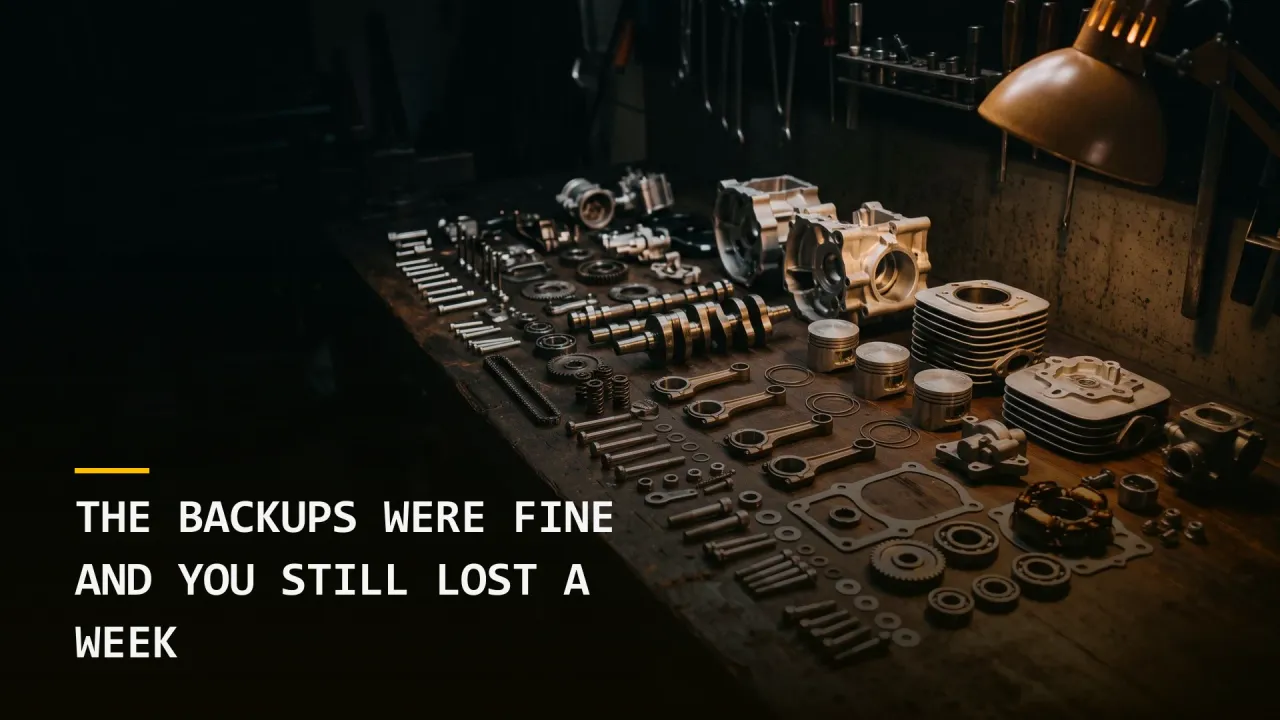
Think about a shipping container full of engine parts. Every component is there, every one of them is in good condition, and the manifest is accurate. You still cannot drive anywhere, because a parts inventory is not an assembly order, and the assembly order is the thing nobody thought to put in the container.
Here is what is usually missing from the container. None of it is data, which is why a backup report that reads success tells you almost nothing about how long you are going to be down.
The dependency order. Which system has to be healthy before the next one will start. Your enterprise resource planning application needs a database, which needs storage, which needs the network, which needs the switches configured, which needs somebody who can authenticate to the switches.
The credentials to do the rebuild. Frequently in a password manager that authenticates against the directory you are trying to restore. This circular dependency has stopped more recoveries than any technical failure I have seen.
The runbook for the systems nobody documents. The certificate authority, the DHCP scopes, the DNS zones you edited by hand in 2022, the license server that three applications check on startup.
The physical or virtual capacity to run it. If the attacker encrypted your hypervisors, you are restoring onto hardware you have not bought yet.
The Arithmetic Nobody Runs Until Day Two
Now put yourself in the shoes of the person who has to give the executive team a return date. The honest answer depends on numbers most organizations have never calculated.
Start with transfer time. A 40 TB restore over a 1 Gbps link is 320,000 gigabits of data, which is roughly 89 hours of continuous transfer with no failures, no throttling, and nothing else using the link. That is 3.7 days before a single user logs in, and it assumes the restore target can write as fast as the wire can deliver.
To put that in perspective against what the outage costs: a company doing $12 million a year in revenue is billing about $46,000 on an average working day. Four days of transfer is $184,000 of revenue that does not get invoiced, and that is the cheerful version where nothing goes wrong and no customer leaves.
Run those two numbers against each other before an incident and the business case for a faster recovery tier writes itself. Run them during an incident and you are explaining to your chief executive why the answer is Tuesday and not tomorrow. The arithmetic is identical in both cases, and only one of them is a conversation you can prepare for.
Identity Comes Back First, and Nobody Has Practiced It
Every recovery sequence begins in the same place, because nothing else in your environment can be verified until somebody can prove who they are. Identity is the floor, and every check you want to run is standing on it.
That makes your directory the first restore and the hardest one. It is the system with the most dependencies pointing at it, the system your recovery tooling itself authenticates against, and the system most likely to be exactly where the attacker spent their time. If they were in your environment for six weeks, the directory backup from four weeks ago contains their persistence, which is why adversaries would rather log in than break in and why a clean directory restore point is not the same thing as a recent one.
So the first decision of the recovery is one nobody wants to make at 3am: restore the directory from a point far enough back to be clean, and accept the changes you lose, or rebuild it from scratch and accept the days that costs. Teams that have thought about this in advance have a documented restore point and a tested procedure. Teams that have not spend a full day debating it while every other workstream waits.
Six Things to Settle Before You Need Them
None of this requires a purchase, and all of it requires somebody to sit down and write for an afternoon. The list below is ordered by how much time each item saves you on the day.
Write the dependency order down
List your top 20 business services and, for each one, what has to be running first. Two or three layers deep is enough. This single document is the difference between a sequenced recovery and a series of arguments.
Store the recovery credentials outside the environment
A break-glass account with its credential in a sealed physical envelope in a safe sounds antique, and it works when your password manager, your single sign-on, and your directory are all in the blast radius. Test that somebody can actually read it and use it.
Calculate your restore throughput now
Measure what your backup system can actually deliver in gigabits per second, not what the vendor’s data sheet claims. Multiply your protected data volume by eight and divide. Whatever number you get is your floor, and the real time will be longer.
Decide the directory restore point in advance
Write down how far back you would go, what you would lose, and who has authority to make that call. The value here is not the answer, since the right answer depends on the incident. The value is that the debate has already happened once.
Practice one full service, end to end
A file restore test does not count here, and neither does a tabletop conversation. Take one real business service into an isolated environment, rebuild it from backup including its identity dependency, and time it. Whatever surprises you there will surprise you again during an incident, except it will cost more.
Know what your policy actually pays for
Business interruption coverage generally starts after a waiting period and pays against documented loss, and your ability to document that loss depends on records that may currently be encrypted. Our guide to cyber insurance underwriting requirements covers what carriers expect you to have in place, and recovery documentation is increasingly part of that conversation.
The Half of the Plan That Actually Gets Used
Most organizations have an incident response plan, and ours walks through the planning steps in detail. Read yours and count the pages devoted to detection and containment against the pages devoted to sequencing the return. In every plan I have reviewed, the second number is smaller, and the second phase is the one that runs for two weeks with the whole company watching.
The attacker’s job ends when the encryption finishes. Yours starts there, and it is the part you can rehearse in a quiet week for the price of one engineer’s afternoon.
If you want an outside read on whether your recovery sequence would survive contact with a real incident, contact Grab The Axe and we will start by asking to see your dependency order. You can also take our free Human Attack Surface Score to see where the people-shaped gaps sit.
Chris Armour is Director of Information Security at Grab The Axe.

Operating on the philosophy that 'you can't build a secure system if you don't know how to break it,' Chris leads our engineering division. A top 1% National Cyber League competitor, he hardens our digital infrastructure against the very exploits he has mastered.
View Author Page →