- › A visitor management kiosk is a physical access decision point and a database of every visitor's face, name, and often their ID document.
- › It is usually purchased by facilities or the front desk as a convenience tool, so it rarely goes through the security or privacy review a data system would.
- › The data accumulates for years because nobody set a retention period, which turns a lobby convenience into a liability you are storing on purpose.
- › The kiosk often prints badges or triggers access for the physical access control system, so a weakness in it is a weakness in who gets through the door.
- › An assessment that covers what it collects, where that data goes, how long it stays, and what the kiosk can open is a short project.
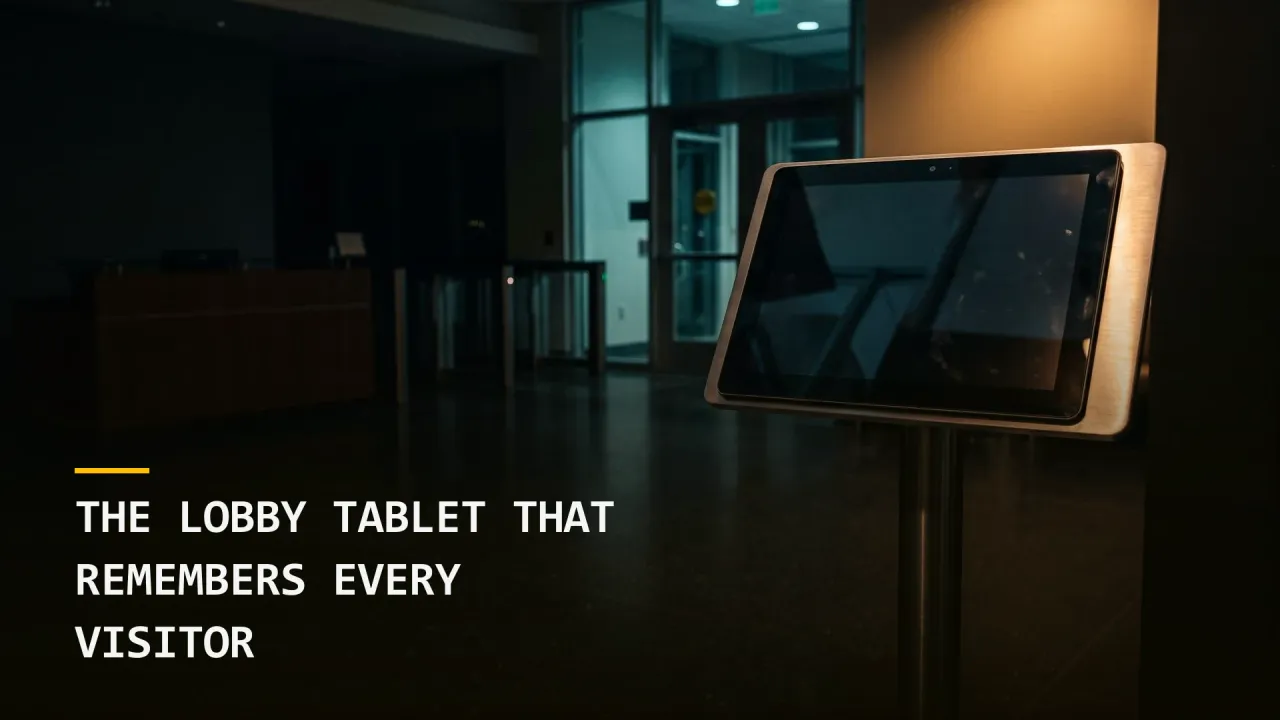
Walk into almost any corporate office built or renovated in the last ten years and the first thing you interact with is a tablet on a stand. It asks your name and who you are visiting, takes your photo, sometimes scans your driver’s license, has you sign a confidentiality agreement with your finger, and prints a badge. The whole exchange takes about a minute and feels like good hospitality.
From a security and liability standpoint, that tablet is doing two serious jobs. It is making a physical access decision about who gets a badge, and it is building a permanent database of everybody who has ever walked into your building. In most businesses I assess, neither job was on anybody’s mind when the system was purchased.
How the Kiosk Gets Bought
Visitor management systems are usually selected by facilities, office management, or the front desk team, and they are sold as a convenience and a professional first impression. The purchase is a subscription on a department budget, the setup is a tablet and a printer, and the vendor handles the rest in its cloud.
That buying path is the reason the security review rarely happens. A new data platform holding customer information would normally go through IT, security, legal, and procurement. A lobby tablet sold as a sign-in sheet replacement skips all of that, even though it collects more sensitive information than many of the systems that do get reviewed.
The same pattern shows up with cameras, badge readers, and other building technology, which we covered in your camera vendor is now a network vendor. The visitor kiosk is the version of that problem that also holds personal data about people who are not your employees.
What It Actually Collects
The standard configuration collects a name, a host, a company, a timestamp, and a photograph. Many deployments add a scan of a driver’s license or passport to verify identity, a signed nondisclosure agreement, and answers to health or safety screening questions that were added during a particular period and never removed.
Each of those is a reasonable thing to want at the moment of the visit. Together, stored indefinitely, they form a record of faces and identity documents for every delivery driver, job candidate, contractor, auditor, and customer who has come through your door. Identity document scans are the most sensitive category here, because a stolen driver’s license image can be used for fraud in ways a stolen email address cannot, and the people it belongs to cannot change it.
That risk is not hypothetical. This week Canada’s privacy commissioner opened an investigation into IDScan.net, a company whose products scan identity documents, after attackers took personal data from its databases, as we noted in Wednesday’s privacy briefing. Any system that collects identity documents at scale becomes a target for exactly that reason.
The Retention Nobody Set
The most common finding I see with these systems is that there is no retention period at all. Visitor records from the first day the system went live are still there, along with the photos and ID scans, because nobody configured an expiry and the vendor’s default is to keep everything.
That creates a liability you are paying to store. If the vendor is breached, the notification population is every visitor since installation, and depending on your state and what was collected, that can trigger breach notification obligations for people who visited once, years ago. If you are ever asked in litigation who was in the building on a given date, you may want that record. You almost certainly do not need a driver’s license image from four years ago to answer it.
Setting a retention period is the single most effective step here, and it usually takes a few minutes in the administration console once somebody decides what the number should be.
The Kiosk Is Part of Your Access Control
Many visitor systems do more than print a sticker. They integrate with the physical access control system to issue temporary credentials, activate a badge for a set window, or open a turnstile. Some feed watchlist screening and alert the front desk when a flagged name signs in.
That integration means the kiosk sits inside the chain that decides who gets through the door. If the kiosk can be manipulated, or if its administrative account is shared among front desk staff with a password taped under the counter, then the access decision is only as strong as that tablet. The integration also creates a data flow into your security operations that is often not monitored at all, the same gap we described in the badge data your SOC never ingested.
Visitor systems are also how many contractors and temporary workers enter the building day to day, which connects to the problem of people with your access who do not work for you. A visitor badge that gets reissued every morning for the same contractor for eight months is an access relationship nobody is tracking as one.
The Business Case
The cost side of this is easy to underestimate because nothing has gone wrong yet. A breach at a visitor management vendor produces a notification obligation for every visitor on record, legal review of what was collected and why, and a reputational problem with the customers and candidates who trusted your lobby with their license. The fix side costs very little by comparison, since the controls are mostly settings and contract terms that already exist and simply were never turned on.
There is also an operational upside that tends to get lost. A visitor system that is configured deliberately gives you a reliable record of who was on site and when, which is exactly what you need during an evacuation, an investigation, or an insurance claim.
What to Assess
This is a contained assessment, and it pays for itself quickly because most of the fixes are configuration changes. Plan on a few hours with whoever administers the system and a copy of the vendor contract.
What it collects. List every field the kiosk captures, including photos, document scans, signatures, and screening questions. Remove anything you cannot tie to a current business need, and turn off document scanning unless you have a specific reason to verify identity at that level.
Where the data goes. Confirm where the vendor stores the data, who at the vendor can access it, what certifications they hold, and whether they will notify you of a breach within a defined window. Put those terms in the contract.
How long it stays. Set a retention period for visit records and a shorter one for photos and document images, and confirm that deletion actually happens on the vendor’s side.
What it can open. Map every integration with your access control system and confirm what a kiosk or its admin account can trigger. Use individual administrator accounts, remove shared logins, and review who can issue or extend credentials.
Who owns it. Assign a single owner who is accountable for the system’s configuration and reviews it at least once a year, and bring it into both your security program’s asset inventory and your privacy program’s data map.
The lobby tablet is the first impression your business makes on every visitor, and for most of them it will be the only part of your security program they ever see. Making sure it protects them as well as it greets them is a small project with a clear return, and it closes a gap that sits in plain view at your front door.
Dusten Trounce is Director of Physical Security at Grab The Axe.

A leader defined by a 'bias for action,' Dusten specializes in physical security assessments that impact profitability. He leverages high-logic strategies to pinpoint high-ROI vulnerabilities, ensuring defense measures actually scale with the business.
View Author Page →